DokuDoku
iPhone + iPad
Accessible-first Sudoku
Sudoku should challenge your brain, not your eyesight.
DokuDoku is a large-print Sudoku app with readable numbers, clear contrast, and lower-strain play on iPhone and iPad. Built for players who want a clearer puzzle interface, including seniors and people with low vision.
- Daily puzzles + four levels
- Zoomed 3×3 number entry
- Large print + dark mode
Get started

Product tour
A clearer Sudoku experience on iPhone and iPad.
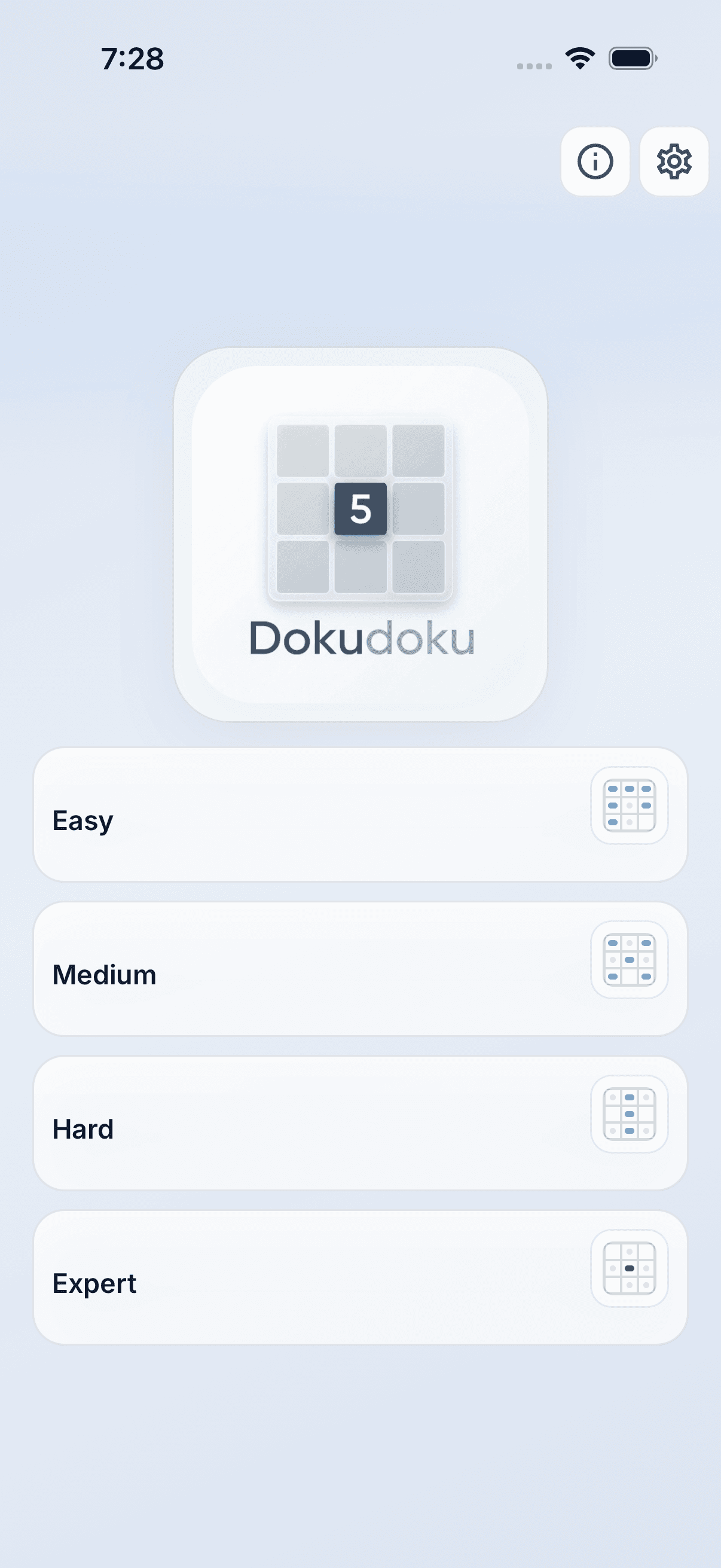
The current product screens show how DokuDoku keeps the full board readable, makes number entry easier, and puts accessibility controls within reach.
On iPhone

A crisp full-board view with clear sectors and calm colors. 
Zoom into one 3×3 section for larger cells, notes, and easier input. 
Choose large print, dark mode, haptics, reminders, and language settings.
On iPad

A spacious starting point for daily puzzles or four difficulty levels. 
The larger screen gives the full puzzle even more room to breathe. 
Accessibility, appearance, feedback, and reminders stay in one place.
Make the whole grid readable
Large, high-contrast numbers and clearly separated sectors keep the full puzzle understandable at a glance.
Zoom in before entering a number
Open any 3×3 section for larger cells, notes, and a roomier number pad that asks for less precision.
Adjust the experience to fit
Large print, dark mode, haptics, daily reminders, and eight languages are available from one settings screen.
A lot of puzzle apps quietly assume everyone sees the same screen.
Large-print puzzle design is not cosmetic. Small grids, subtle contrast, and cramped controls can turn a relaxing puzzle into unnecessary strain.
DokuDoku starts with the basics that matter before any extra feature: stronger contrast, larger numbers, and more generous touch targets.
The result is a calmer Sudoku app for players who should not have to adapt to a screen that was never designed for how they actually see.
- · Large-print Sudoku designed for readability on iPhone and iPad
- · High-contrast interface for lower-strain play
- · Bigger targets that reduce input frustration
- · Calmer visual design with less clutter competing for attention
Is DokuDoku a good option for seniors who want large print brain games?
Yes. DokuDoku is built around larger type, stronger contrast, and readable controls, which makes it a practical option for seniors who want Sudoku with less visual strain.
Can DokuDoku work for people looking for sudoku for macular degeneration?
It is designed around readability, spacing, and higher-contrast play, which lines up with what many people need when standard Sudoku apps feel too visually demanding.
Keep the puzzle. Remove the unnecessary strain.
Download DokuDoku and play Sudoku with a larger, clearer interface designed for readability.
Ready to try DokuDoku?